 vectus
 Vectus Passenger
Always know where your bus is.
The Passenger App gives every rider live tracking, automatic boarding detection, and trip notifications — so waiting for a bus stops being a guessing game.
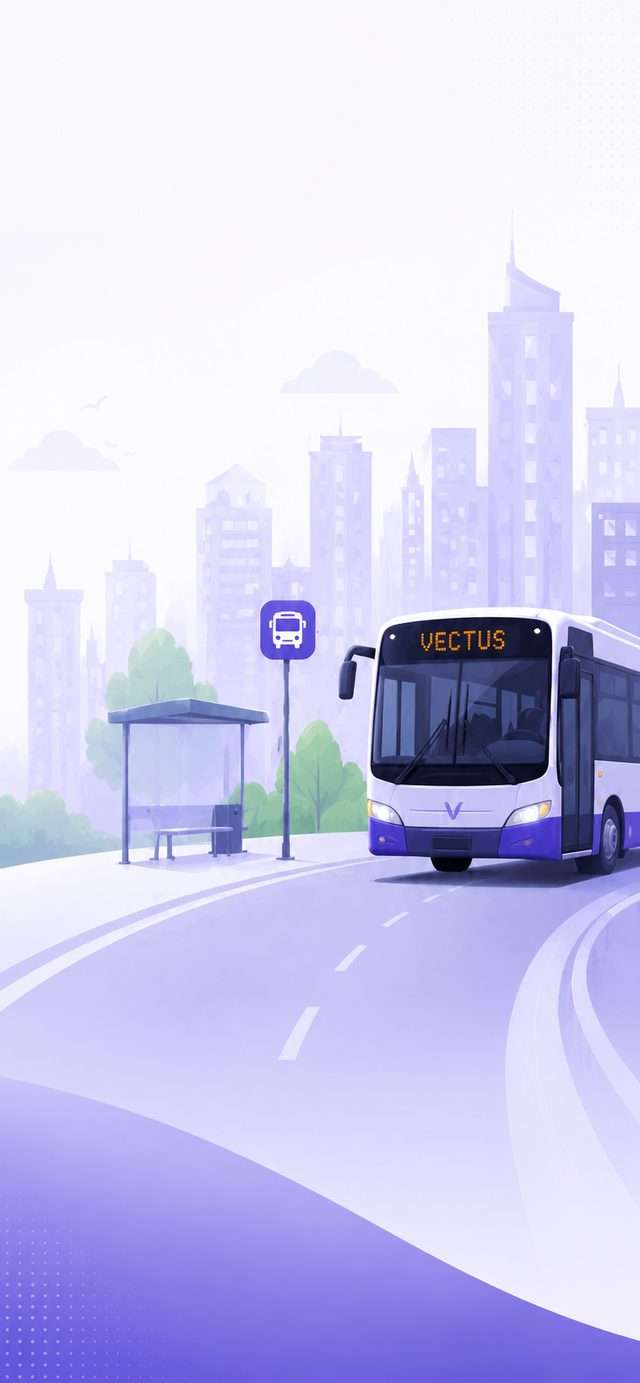
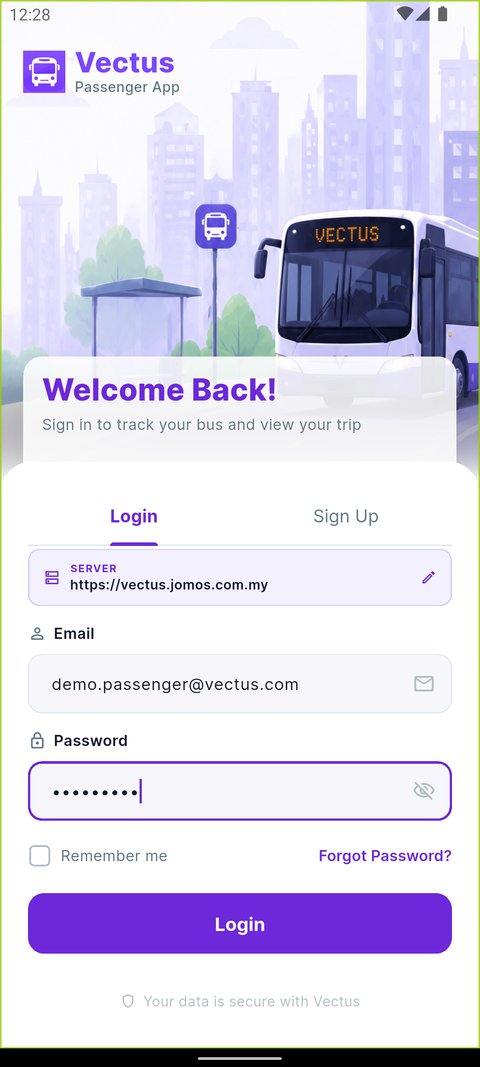
Secure Login & Registration
Access is tied to the organisation a passenger belongs to, not an open sign-up.
- Login with staff or organisation-issued credentials
- Forgot-password recovery built in
- First-time registration flow for newly onboarded passengers
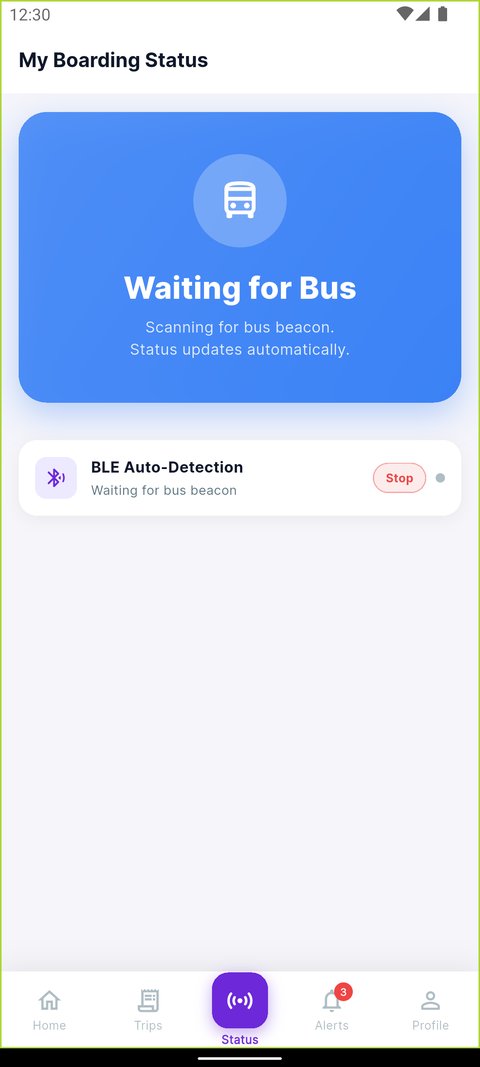
Hands-Free Boarding via Bluetooth
Boarding is detected automatically as a passenger gets on and off — no ticket, no tap, no queue.
- Bluetooth (BLE) scanning confirms boarding without any action from the passenger
- Clear status states: waiting, boarded, and alighted
- Stop / resume detection if a bus pauses mid-route
- Full event history for every boarding and exit
Live Map & Real-Time Tracking
The dashboard shows the assigned trip at a glance, and the live map shows exactly where the bus is right now.
- Live bus marker moving in real time on the map
- Route polyline with every stop pinned along the way
- Estimated time of arrival for the next stop
- Mini map and bus stop stepper on the trip dashboard
Trip History
A full, searchable log of every journey a passenger has taken.
- List of past trips with date and route
- Trip detail view with boarding and exit times
- Useful for attendance records without contacting the office
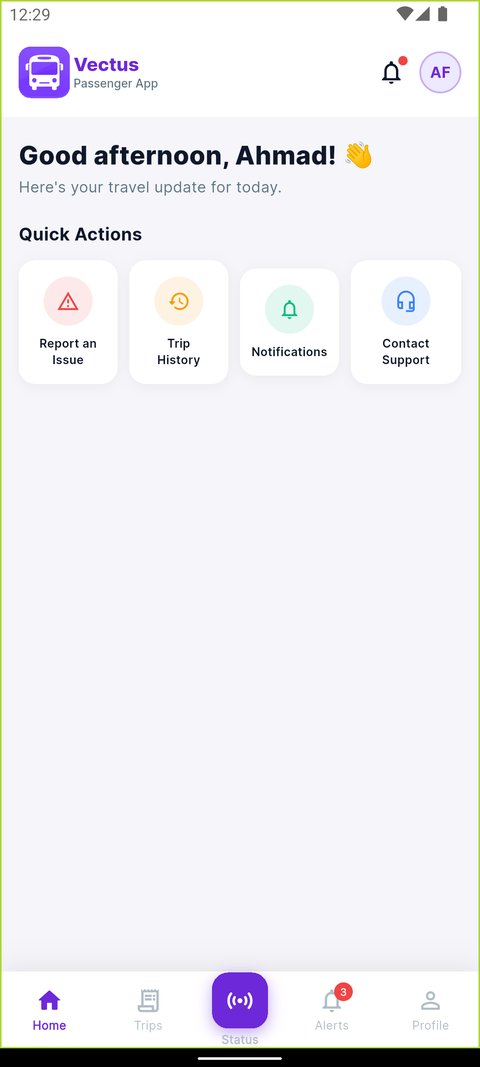
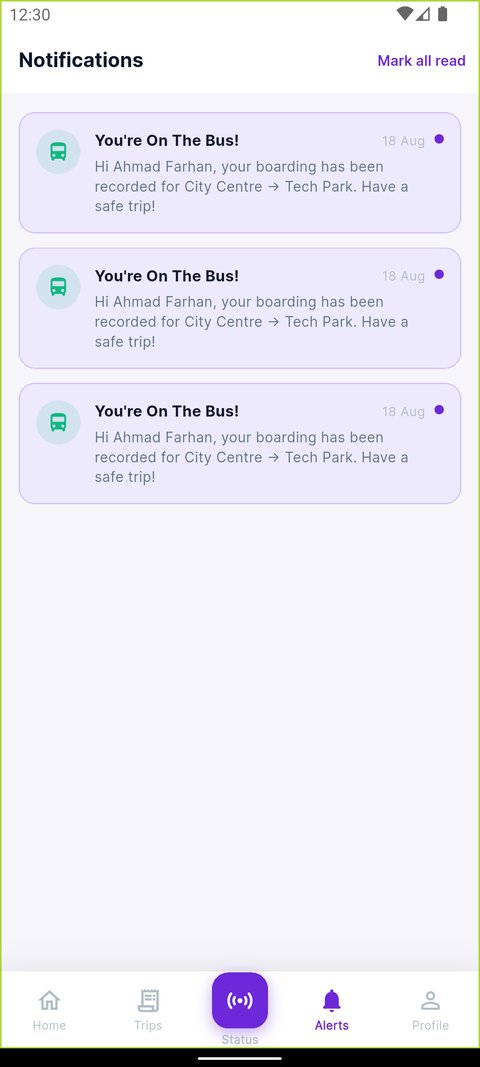
Notifications & Alerts
Passengers hear about a delay or a change before it becomes a problem.
- Arrival, delay, and trip-update alerts
- Unread badge so nothing gets missed
- Notification preferences a passenger controls themselves
Complaints & Support
An issue on a trip can be reported in the moment, with proof attached, instead of being forgotten by the time someone reaches the office.
- Select a category, describe the issue, attach a photo
- Tracking reference to follow up on a submitted complaint
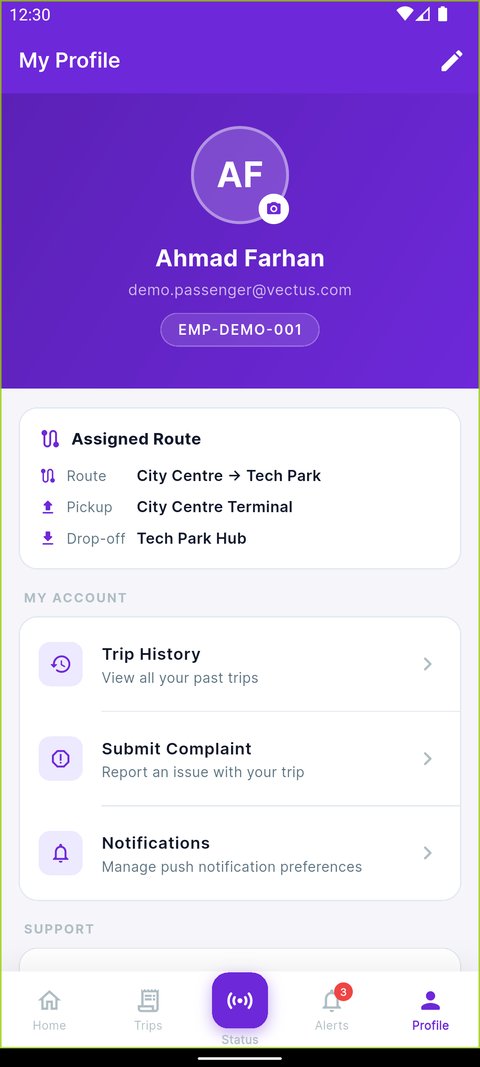
- Help & Support screen with FAQs and contact channels
- Profile screen with assigned route, account settings, and sign-out
See the Passenger App on your own fleet
We'll show you what riders see, end to end, on a real route.
Request a Demo